

Business Data with GPT
Build Datafiniti business queries with ChatGPT or Codex — in a plain conversation you run yourself, or through a connected tool call.
ChatGPT / Codex — Business Examples
ChatGPT connector awaiting OpenAI approval
The Datafiniti ChatGPT connector is still awaiting approval from OpenAI. Until approved, the MCP and tool/action integration paths described below may not be available in ChatGPT or Codex. The plain-conversation approach works regardless of approval status. You can also connect manually by configuring the Datafiniti MCP server yourself — see the MCP Server guide for instructions.
This guide shows how to get business data out of Datafiniti using ChatGPT or Codex. It leads with the plain-conversation path — where the model writes a query and you run it — then shows the connected form for when the model calls Datafiniti directly. For the three ways to wire this up (MCP, tool/action, or plain chat), see the ChatGPT / Codex page.
For the field reference behind these queries, see the Business Data Schema, Constructing Business Queries, and Possible Values for Business Fields.
The goal
We want US hotels in a specific revenue band — and we'll have the model build the query, then run it ourselves.
Build the query in conversation
You don't need any integration. Paste in the business query guide and the possible-values page, describe what you want, and let the model draft the query.
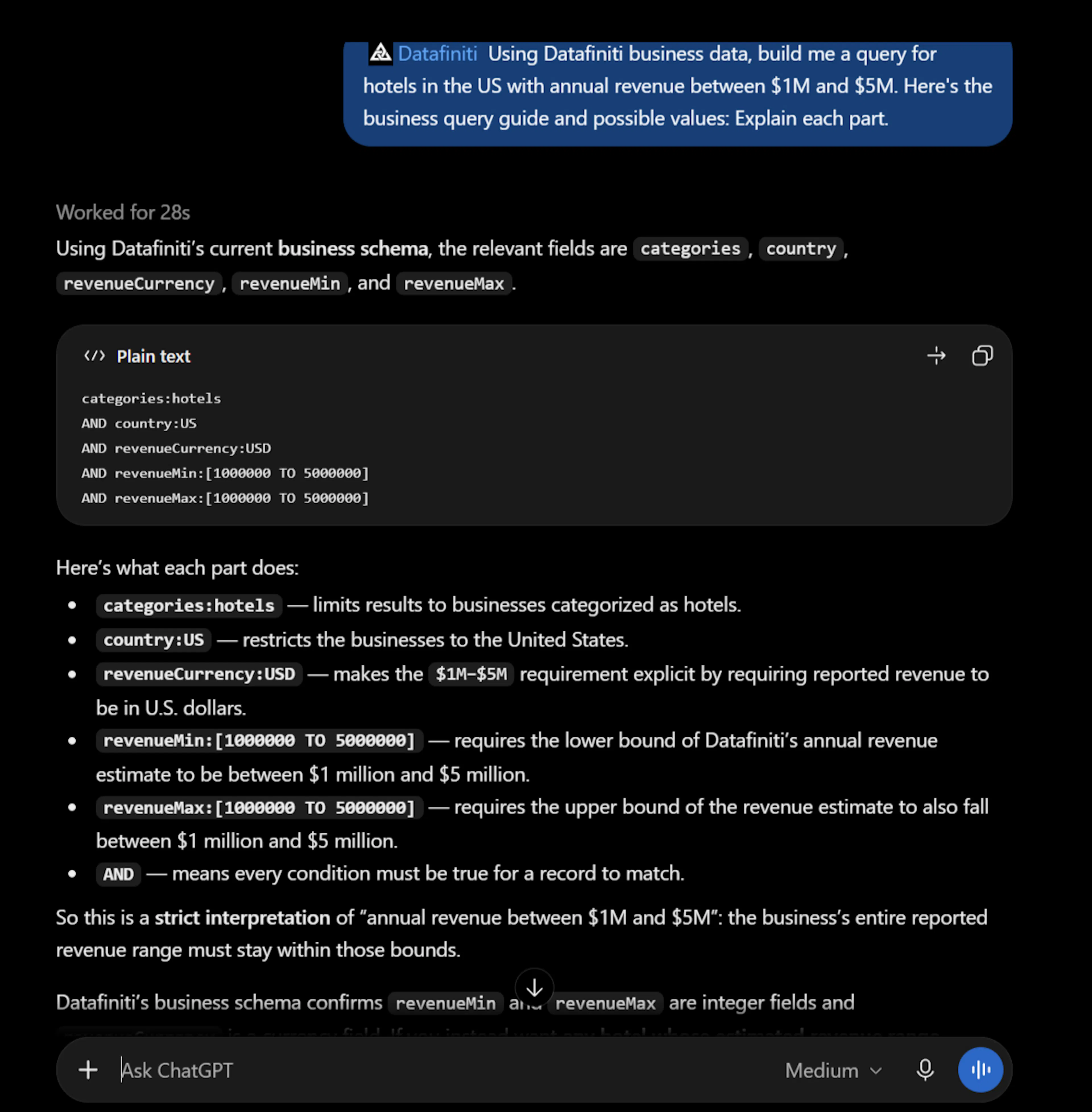
You: Using Datafiniti business data, build me a query for hotels in the US with annual revenue between $1M and $5M. Here's the business query guide and possible values: [paste or link the guides]. Explain each part.
Model: Here's the query:
categories:hotels AND country:US AND revenue:[1000000 TO 5000000]
categories:hotelsmatches businesses categorized as hotels — a value from the Possible Values page.country:USlimits to the United States.revenue:[1000000 TO 5000000]uses range syntax to bound annual revenue between 1M and 5M inclusive.
Give the model the right context
Paste in Constructing Business Queries and Possible Values for Business Fields so the model uses real category values and correct range syntax. Category and field names are the usual place a model guesses wrong.
Run the query yourself
Take the query the model produced and run it in Postman, cURL, or an SDK. Exact-match values with spaces or apostrophes are double-quoted, and escaped when hand-writing JSON:
{
  "data_type": "business",
  "query": "categories:hotels AND country:US AND revenue:[1000000 TO 5000000]",
  "num_records": 5,
  "view": [{"name": "name"}, {"name": "address"}, {"name": "city"}, {"name": "province"}, {"name": "phones"}]
}
In a plain conversation the model only writes the query — nothing is charged until you run it yourself.
Connected mode: let the model run it
If your ChatGPT or Codex environment has the Datafiniti MCP server connected (or the search endpoint registered as a tool), ask the model to run it:
You: How many US hotels have revenue between $1M and $5M? Show me the first few in Nevada.
The model calls df_count first (free) to size the result, then df_search with the added location filter:
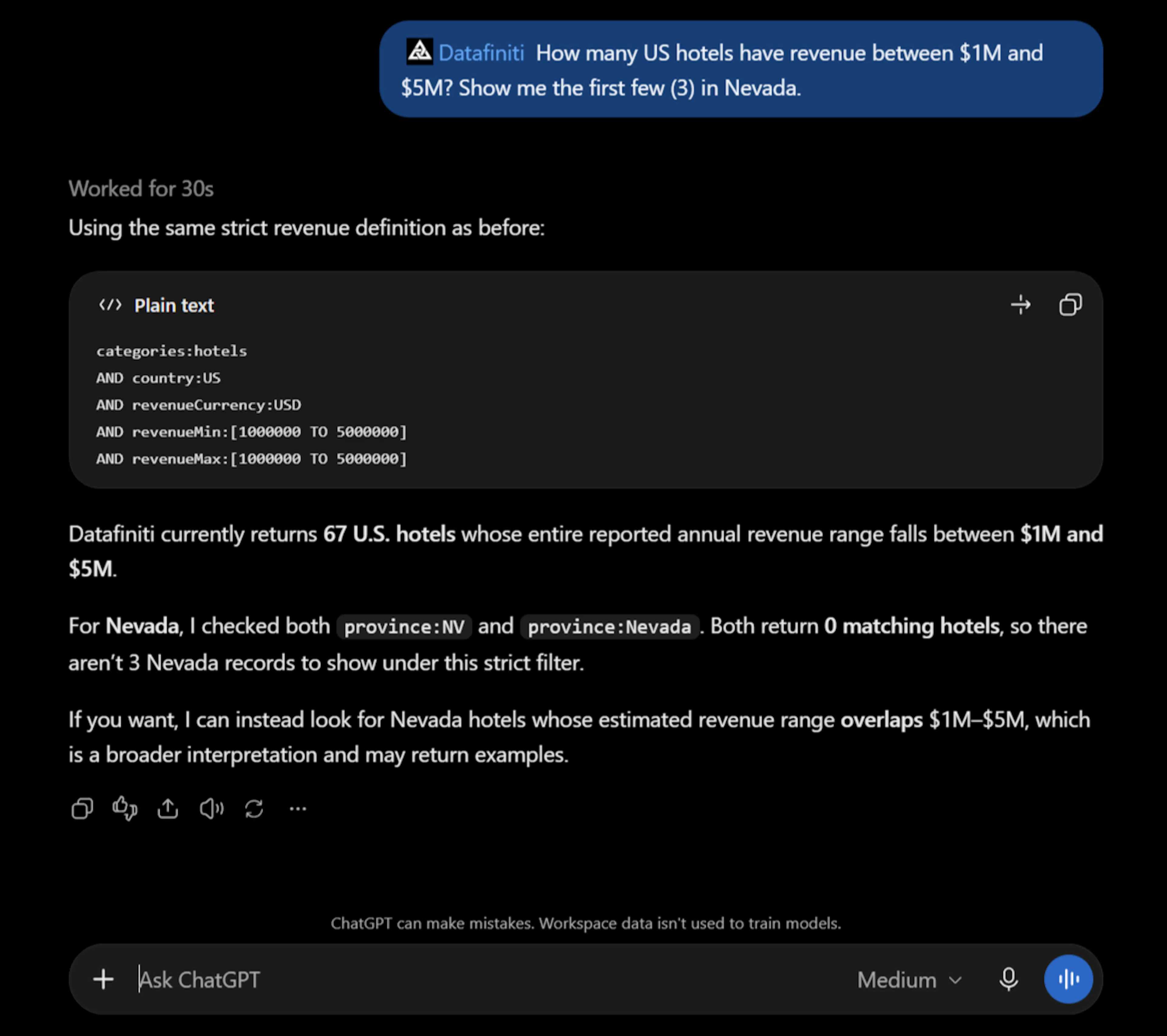
{
  "data_type": "business",
  "query": "categories:hotels AND country:US AND province:NV AND revenue:[1000000 TO 5000000]"
}
Once connected, searches and downloads charge credits exactly as REST does. See MCP Server for the full tool reference, and Business Data with AI for business fields and prompts.
Use case: search for specific restaurants
A common business-data workflow is finding restaurants by the kind of food they serve — for lead lists, market research, or enrichment. The Search for specific restaurants guide shows a useful wrinkle: two different fields describe what a restaurant offers, and combining them catches more results than either alone. Here's how ChatGPT or Codex builds that up.
Say we want vegan restaurants in California.
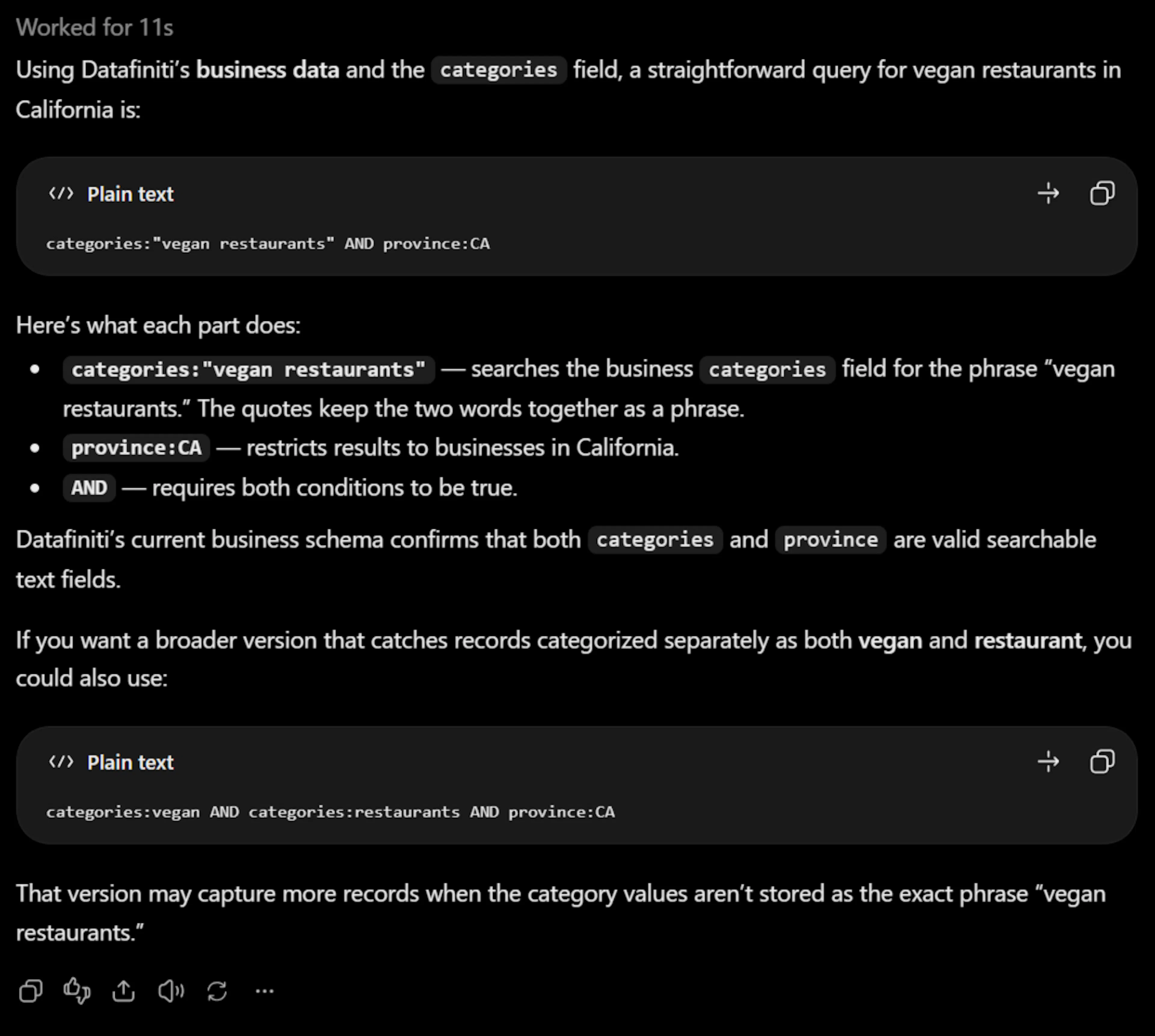
The categories field is a list of category keywords scraped from a business's descriptions and menu items. Start there:
You: Using Datafiniti business data, build me a query for vegan restaurants in California using the categories field. Here's the business query guide: [paste or link the guide].
Model:
country:US AND province:CA AND categories:(vegan)
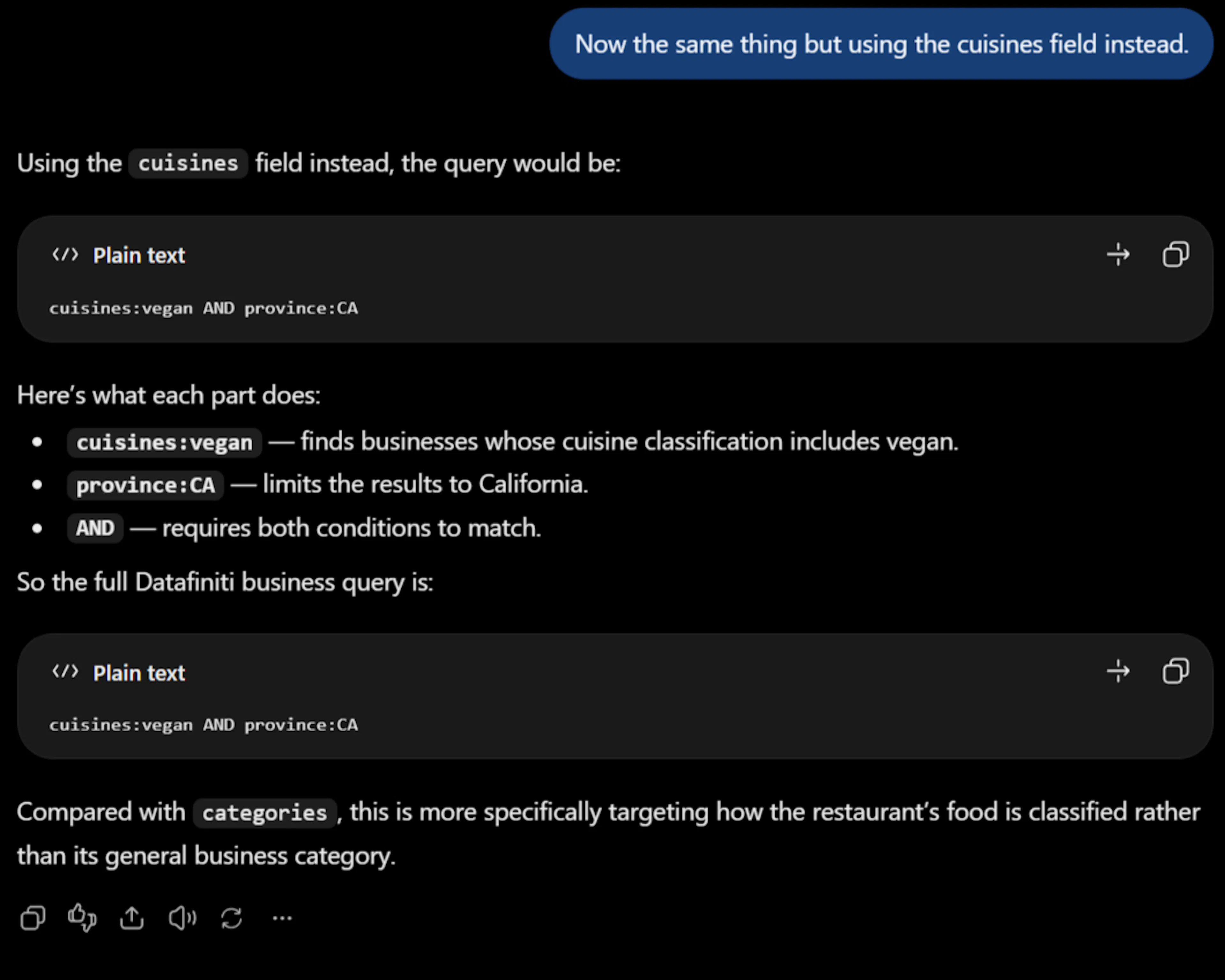
The cuisines field describes the cuisines a location offers, typically drawn from online order menus — a different source than categories. The same search against cuisines:
You: Now the same thing but using the cuisines field instead.
Model:
country:US AND province:CA AND cuisines:(vegan)
Two fields, two sources
categories and cuisines are populated from different data sources, so each catches restaurants the other misses. That's exactly why combining them is worth doing.
Combine the fields for full coverage
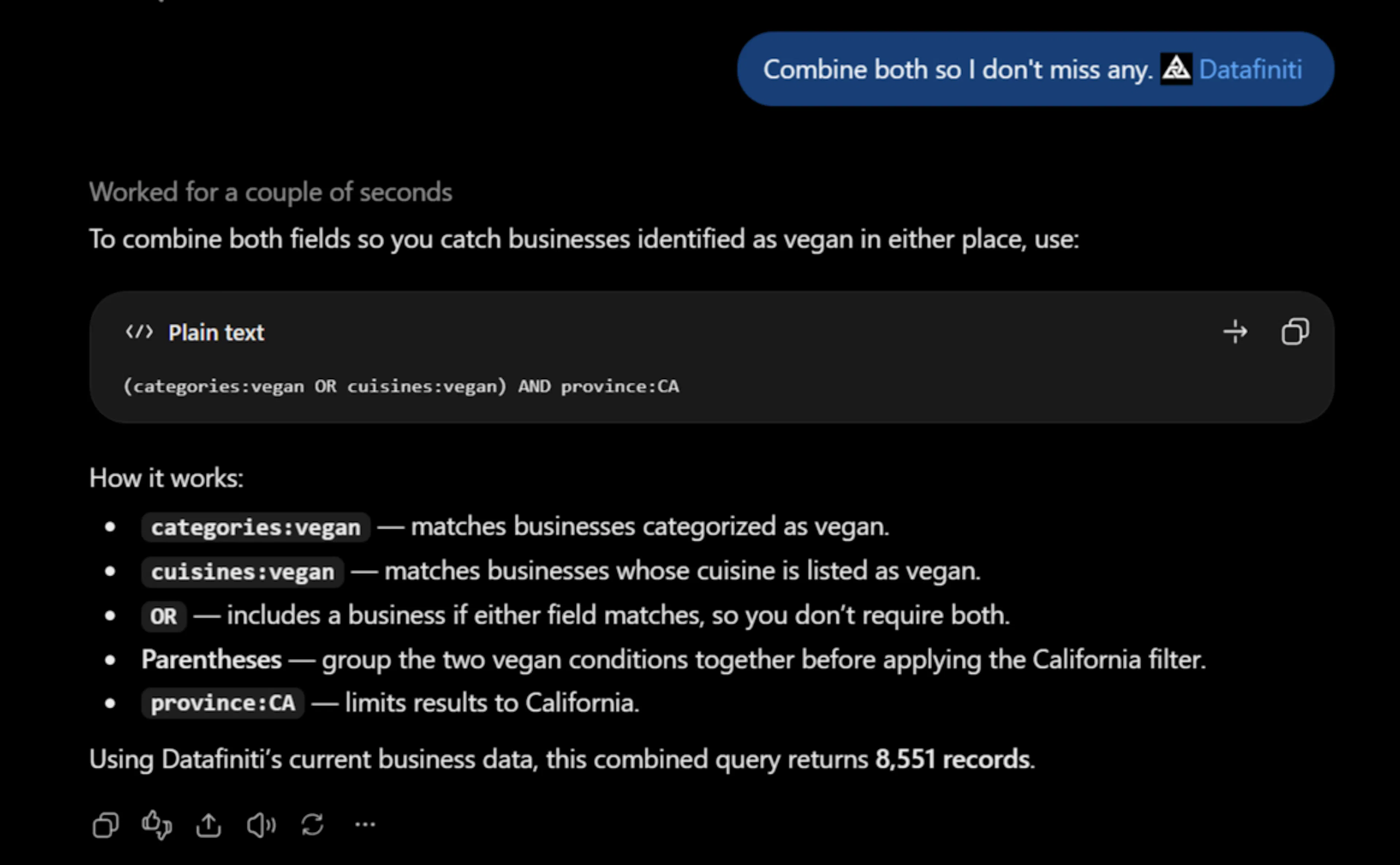
Because the two fields come from different sources, OR-ing them together is a catch-all that returns any restaurant tagged vegan by either:
You: Combine both so I don't miss any.
Model:
country:US AND province:CA AND (categories:vegan OR cuisines:vegan)
Run it yourself, or have a connected model call df_search — then df_start_download for the full set.
\
The code:
{
  "data_type": "business",
  "query": "country:US AND province:CA AND (categories:vegan OR cuisines:vegan)",
  "format": "JSON",
  "view": [{"name": "name"}, {"name": "address"}, {"name": "city"}, {"name": "province"}, {"name": "categories"}, {"name": "cuisines"}]
}
Example records:
| Business | Location | Vegan match |
|---|---|---|
| Vegan N' Chicken | 5337 Valley View Rd, El Sobrante, CA 94803 | categories includes Vegan-friendly |
| Nick's Laguna Beach | 440 S Coast Hwy, Laguna Beach, CA 92651 | cuisines includes Vegan Options |
| Mantra Indian Cuisine | 27645 Jefferson Ave, Temecula, CA 92590 | cuisines includes Vegan Options |
For the full walkthrough, see Search for specific restaurants.